
How to Download the Ankota Caregiver NextGen App
How to Download the Ankota Caregiver NextGen App
1. Download the App
- On Android: Open the Google Play Store
- On iPhone: Open the Apple App Store
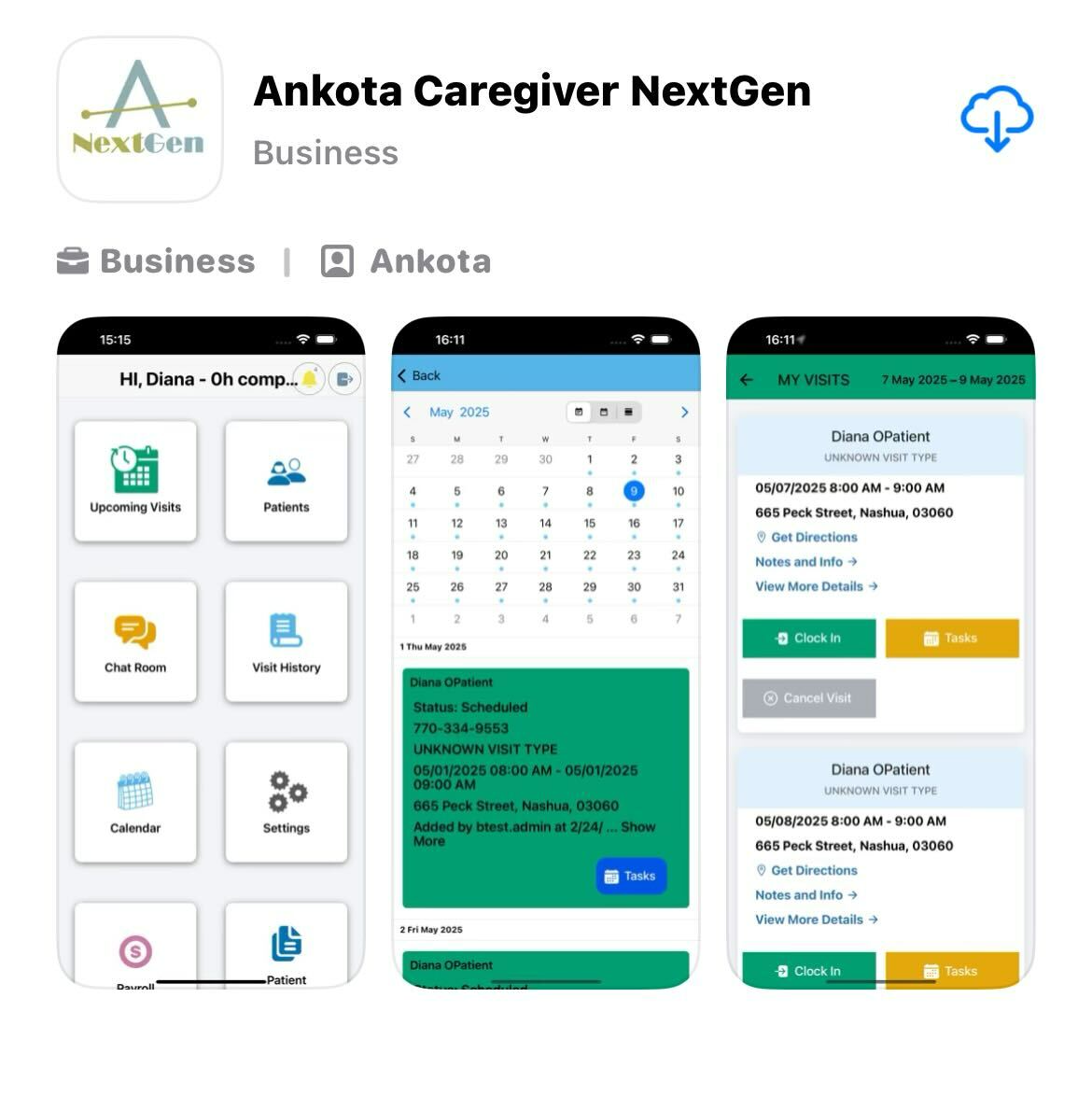
- Search for “Ankota Caregiver NextGen” and tap the Download button.
2. Log In
- Use the caregiver credentials provided by your Administrator.
- These are the same login details used for the previous version of the app.
3. Enable Permissions
- When prompted, select “Always Allow” for GPS access while using the app.
- Consent to receive text messages when asked.
4. Finalize Setup
- After consenting to text messages, tap the Home button to proceed.
- The app will transition to the main screen.
Note: This updated version of the app maintains the same functionality as the previous one, but with a more modern design and improved performance.