
Reporting Departure on the Ankota Mobile App
Reporting Departure
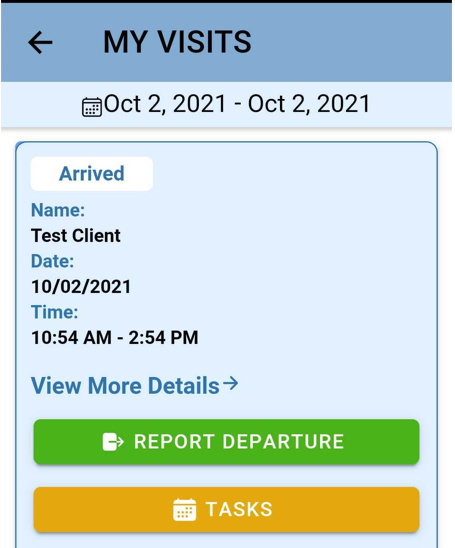
To clock out, click on Visits and then Report Departure button.
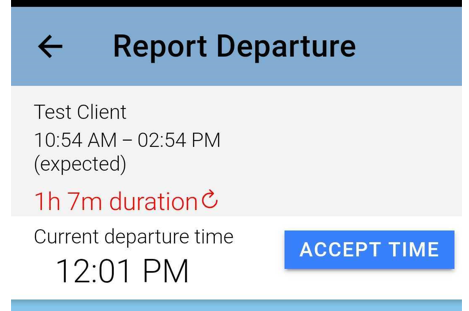
Once you Report Departure you will be asked to accept the time.
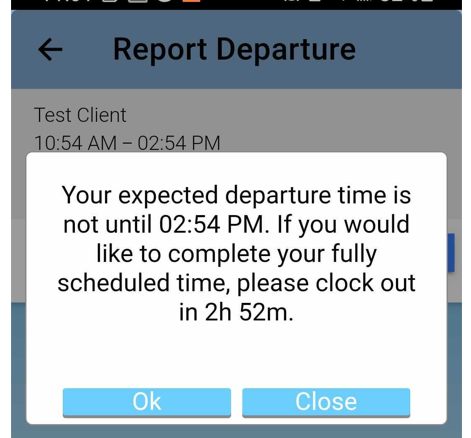
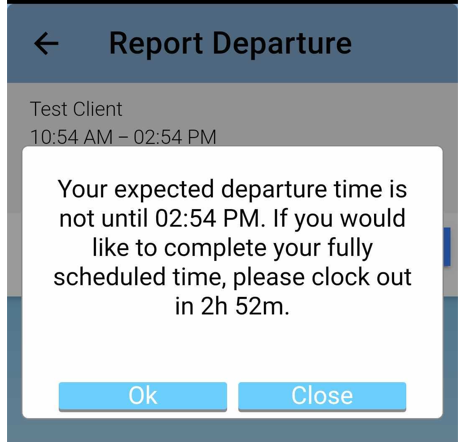
You will then see a message confirming your arrival and telling you your expected departure time.
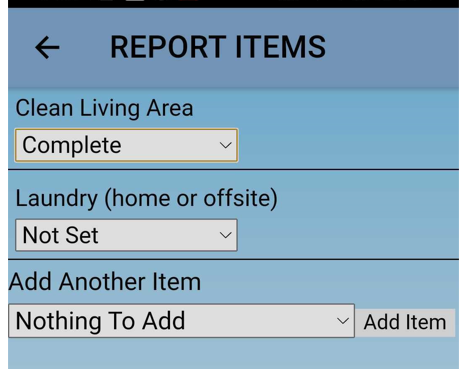
Report care plan items as needed.
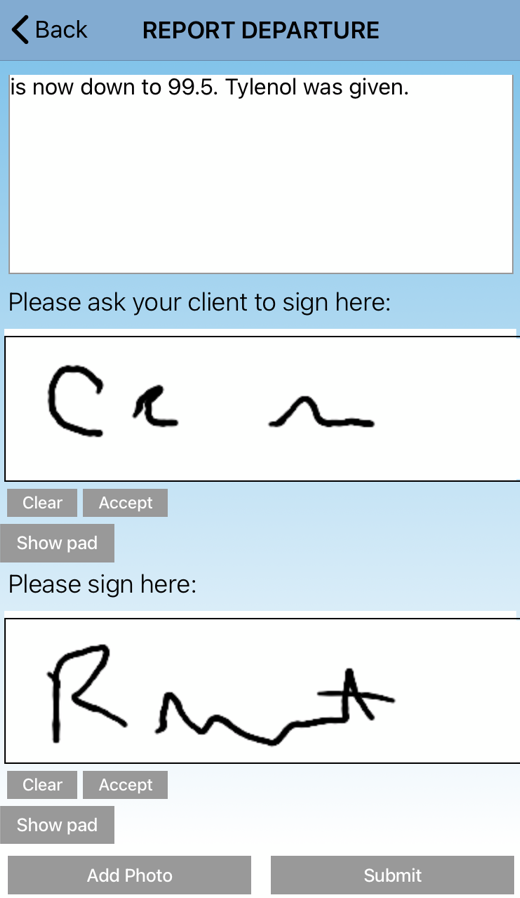
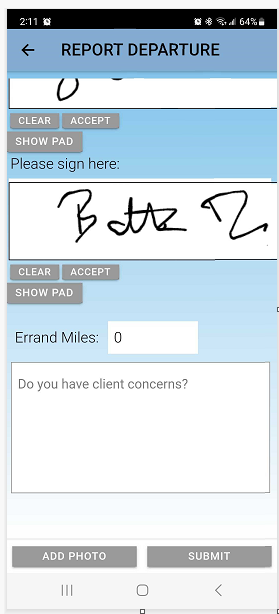
Collect signatures and report concerns if needed.
Some organizations will also require client concerns reporting. In this section, extra concerns may be reported. This separate section is usually required either because regular notes are ignored and client concerns are flagged, or because client concerns are flagged for specific roles to review. This sections appears as a notes box, with the question "Do you have client concerns?" in gray inside it.
When you have completed all the sections above, click submit.
You will then be asked if you are sure you want to report departure at this time. Click Submit if you would like to continue with your clock out; if not, keep working and complete the visit at the appropriate time.
Once you see the success message you can navigate back to the home page.