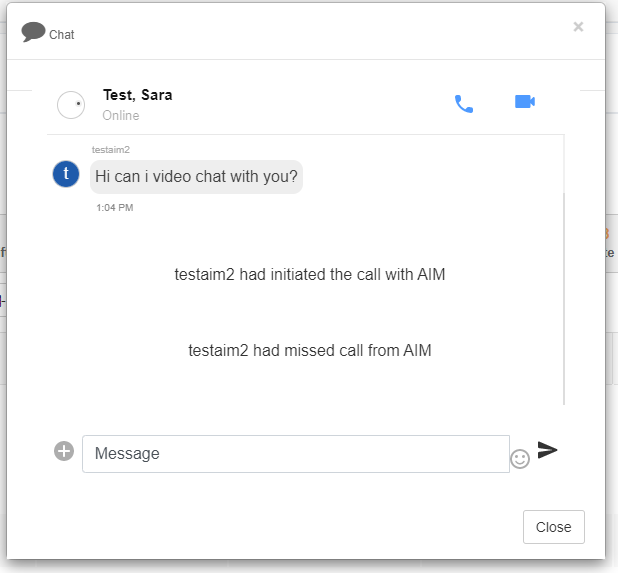
Caregiver Chat via Mobile App
Caregiver Chat
Caregivers can access Mobile Chat from the mobile app. Training for this feature is also provided in the Caregiver Resources HelpSite.
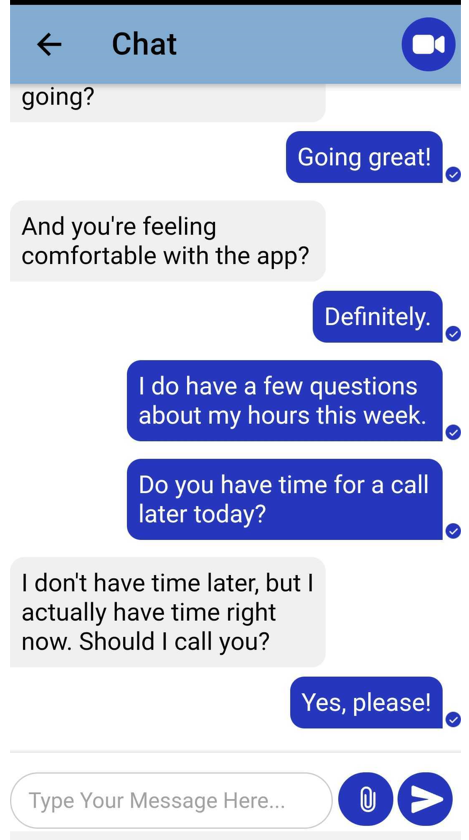
To open chat, open the mobile app. In the app, click the Chat section.
By clicking on this section, caregivers will open a chat list of available admins. Once they click an admin, a chat window will open.
In this window, they can:
- Instant message an admin
- Call an admin
- Video call an admin
Please note the caregiver will need a working microphone and/or camera if they wish to use the call or video call options.
Video Chat